REVIEW · NEW YORK CITY
Brooklyn Bridge Self-guided Bike Tour App – Audio + Written
Book on GetYourGuide →Operated by Unlimited Biking · Bookable on GetYourGuide
That first view of the bridge never gets old. This self-guided Brooklyn Bridge bike tour app turns the route into a choose-your-own walk or ride, with audio + written stops across Lower Manhattan and Brooklyn. I like that it’s designed for you to move at your pace, and I especially like the practical add-ons—food ideas and public restroom locations built right into the experience. One thing to consider: it depends on your phone’s geo-location and you’ll want data to keep it working smoothly.
You start with a free download, turn on location services, and then follow the route with a color-coded map that helps you pick what you want to hit. It also layers in fun stuff like photo-friendly spots and movie locations, so you’re not just crossing a bridge—you’re collecting moments. The big trade-off is simple: there’s no bike or safety gear included, so you’ll need to plan for that if you don’t already have wheels.
In This Review
- Key Things I Think You’ll Actually Care About
- Getting Started Near the Woolworth Building or 79 Chambers Street
- What the App Does Best: On-Route Audio + Written Guidance
- Following the Color-Coded Route: Stops by Type
- Primary route stops (history + fun facts)
- Beauty and photo appeal stops (where to slow down)
- Movie-location stops (spot the film tie-ins)
- Food recommendations (so the ride turns into plans)
- Public restrooms (the unsung hero in a city plan)
- The Brooklyn Bridge Crossing: Best Ways to Use the Stops
- Bike or Foot: How to Choose Your Pace Without Missing the Point
- Price and Value: Why $5 Makes Sense for a One-Route App
- Practical Tips That Make the Experience Go Smooth
- Use location services and plan for data
- Keep charging in mind
- Ride like a human, not a robot
- Who This Brooklyn Bridge App Is Best For
- Quick FAQ About the Brooklyn Bridge App Tour
- FAQ
- Is this a guided tour with a person?
- How much does it cost?
- Where do I start the tour?
- What does the app include?
- Do I need data or location services?
- Can multiple people use the same purchase?
- Is it refundable?
- Should You Book This Brooklyn Bridge App Tour?
Key Things I Think You’ll Actually Care About
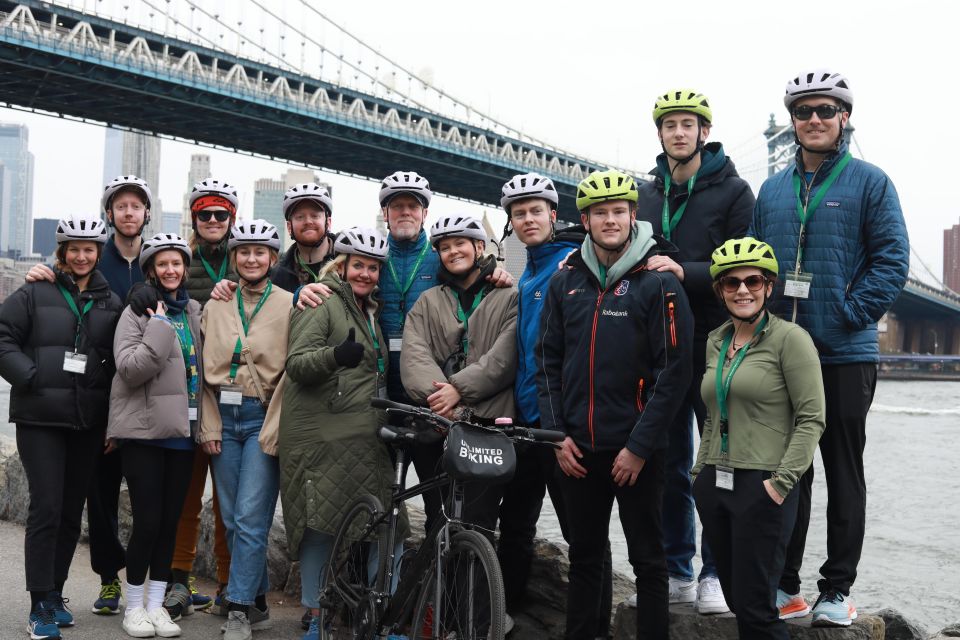
- Geo-location guided stops so you can tap into each location as you arrive
- Audio and written history to make the Lower Manhattan-to-Brooklyn stretch feel meaningful
- Photo ops + movie locations that help you slow down at the best moments
- Food recommendations along the route so you can turn the ride into real plans
- Public restroom spots to keep your trip stress low
Getting Started Near the Woolworth Building or 79 Chambers Street
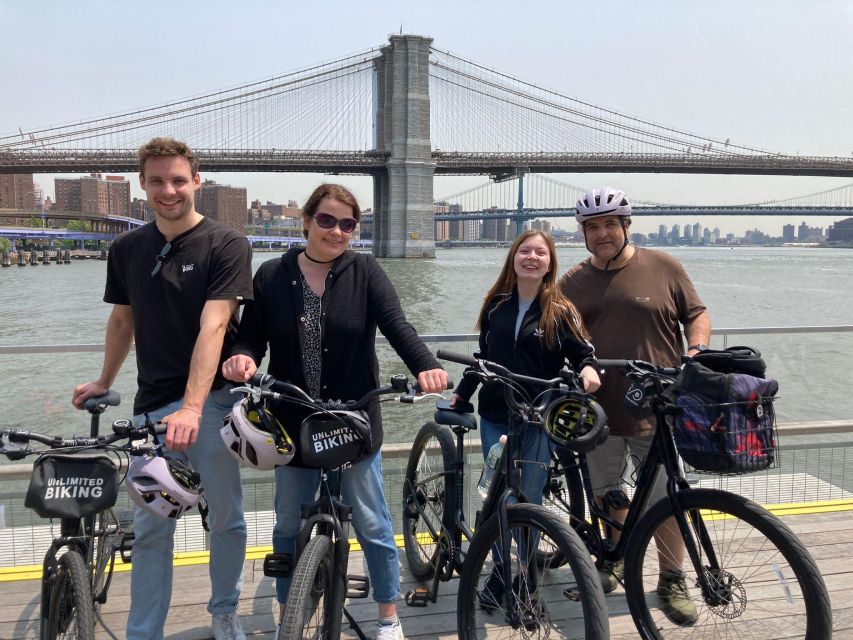
This is not a group tour with a meeting-time panic. It’s a self-guided experience, so the “how do I start?” part matters.
You’ve got two practical starting options:
- If you want to rent a bike, you can book that through GetYourGuide, then head to Unlimited Biking at 79 Chambers Street.
- If you have your own bike, or you’d rather walk, you can start at the Woolworth Building.
If you’re new to biking or you’re not sure you’ll want to pedal the whole way, I like the flexibility of starting from the Woolworth Building. You can always stop, switch from bike to foot, or just use the app for the sections you care about most.
You can also read our reviews of more walking tours in New York City



What the App Does Best: On-Route Audio + Written Guidance
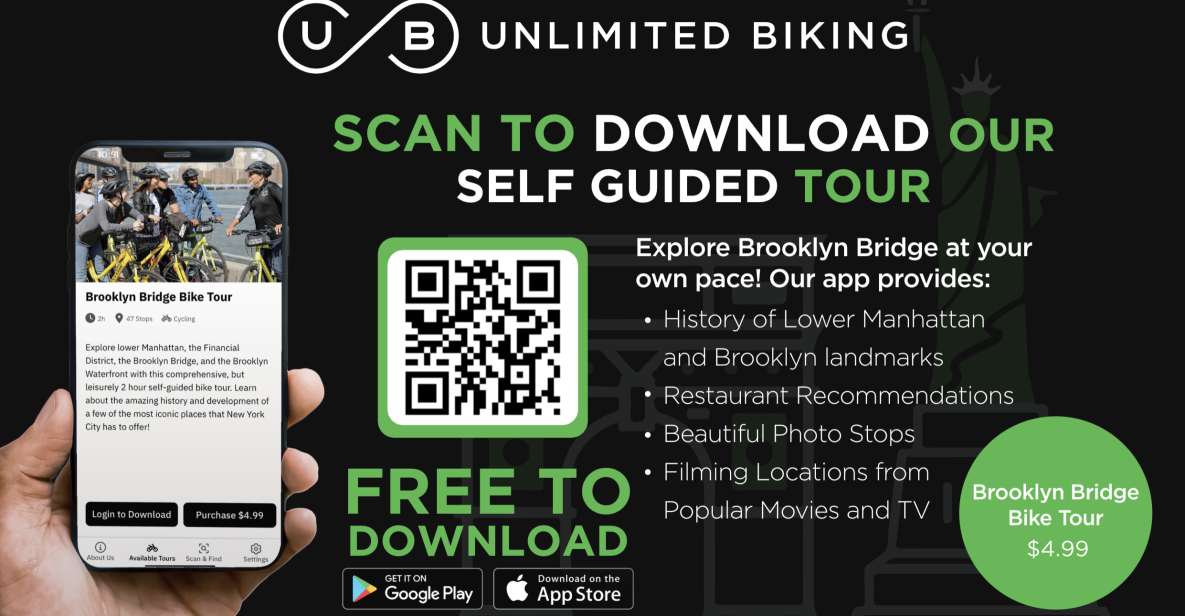
The heart of this experience is the app’s geo-location tour. As you move, it guides you to stops on the “primary tour route,” and each stop includes both written and audio content—history notes and fun facts meant to be quick, useful, and easy to follow while you’re on a bike.
This is where the value shows up. You’re paying for a simple tool that helps you avoid the usual New York problem: wandering around with no clue what you’re looking at until it’s too late to do anything with that information.
The map is color coded, which is a nice touch. It means you can pick your own rhythm—hit the main highlights, or focus on categories you care about (photo spots, movie scenes, or specific scenic pauses). And because it’s self-guided, the route works whether you move slowly for views and photos or you keep a brisk pace.
Following the Color-Coded Route: Stops by Type
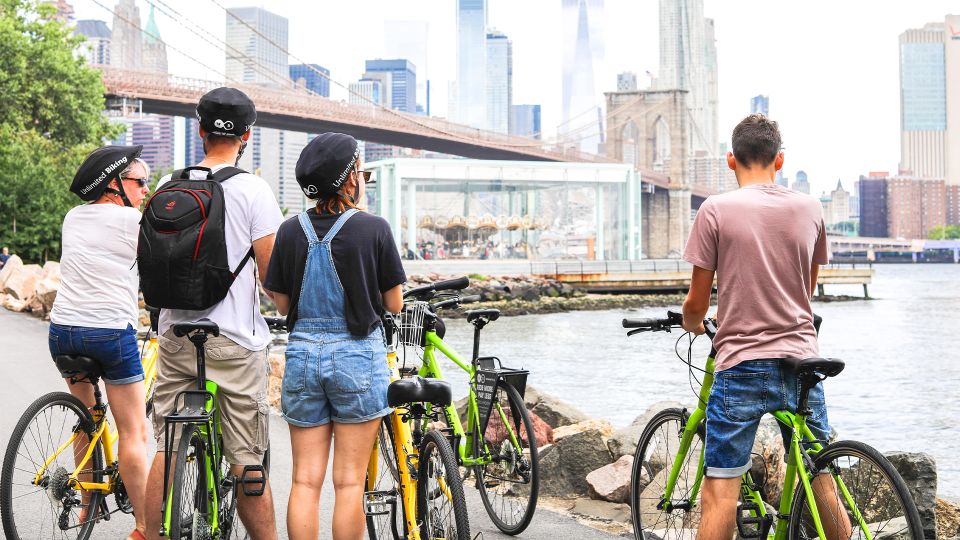
You won’t get just one kind of stop here. The route is built out of several stop types, and each one changes how you experience the neighborhood.
Primary route stops (history + fun facts)
These are the backbone of the tour: notable locations in Lower Manhattan and Brooklyn, each with a brief context piece—written and audio—plus fun facts. This is ideal if you want more than a checklist. Even if you’ve seen the Brooklyn Bridge before, these short segments help you understand why certain areas feel the way they do and what to notice as you pass.
A benefit for first-timers: the information is structured as a series of arrivals, not a lecture you have to remember. You can also pause and resume without ruining anything.
Beauty and photo appeal stops (where to slow down)
Some stops are specifically called out for their photo-worthiness. The point isn’t that every picture will turn out perfect—it’s that the app tells you when it’s worth stopping and framing a shot.
I like this approach because it cuts down on aimless stopping. You spend your energy on a few deliberate moments instead of constantly second-guessing whether this is the right angle.
Potential drawback: photo stops can encourage extra stopping. If you’re riding with people who want to keep moving, it helps to agree ahead of time: do you want the app pace, or your own pace?
You can also read our reviews of more cycling tours in New York City






Movie-location stops (spot the film tie-ins)
The app also includes locations tied to television and movies. The idea is simple and fun: you pass a spot and the app helps you connect it to iconic scenes filmed there.
This works best if you enjoy casual “I know this from somewhere” moments. If you’re not a movie person, you can still use these as quick diversions—no need to obsess over them.
Food recommendations (so the ride turns into plans)
One of the most practical parts: food recommendations along the route. Instead of treating meals as an afterthought, the app gives you suggestions in the same context as the bridge and neighborhoods you’re actually riding through.
Based on a standout review, this is exactly the kind of help that turns a scenic trip into something with real follow-through—people used the app not just for the ride, but to find places to eat while they were out.
Keep in mind: I can’t promise every recommendation will fit your budget or dietary needs because the app doesn’t list those details in the info you provided. But as a starting point, it’s a strong way to avoid decision fatigue.
Public restrooms (the unsung hero in a city plan)
Restrooms are included as stops on the route. That matters more than you’d think. When you’re biking or walking a set route, the biggest stress isn’t the distance—it’s the timing of getting off-track without losing the flow.
This is one place where the app earns its keep. You get known restroom locations instead of trying to hunt for one while you’re already committed to a scenic loop.
The Brooklyn Bridge Crossing: Best Ways to Use the Stops
Crossing the Brooklyn Bridge is the obvious highlight, but the app changes how you experience that crossing.
Here’s what I’d do with it:
- Use the audio segments while you’re moving steadily, so you’re not juggling reading while you’re riding.
- Save your quick photo moments for the stops specifically marked for scenery and photo appeal.
- Use the written notes if you pause briefly to regroup with your group.
Because the tour is self-guided, your “best” crossing depends on your pace. If you’re riding, you might want fewer stops and more audio-only segments. If you’re walking, you’ll likely want to lean into more written stops and take breaks when the app flags a viewpoint or visual moment.
Also, plan around phone comfort. You’ll be outdoors, so battery life matters. The app relies on geo-location services, which can drain power faster than you expect.
Bike or Foot: How to Choose Your Pace Without Missing the Point
The activity works whether you ride or walk. That’s not a minor detail. Brooklyn Bridge trips can go two ways:
- You treat it like a moving sightseeing corridor (bike pace).
- You treat it like a slow, photo-and-view day (walking pace).
If you already have a bike, great—you keep the whole experience fluid. If you’re renting, it’s worth deciding your plan first: do you want to bike the full route, or do you want the app primarily for navigation and fun stops while you walk sections?
Either way, the app’s stop approach stays the same. You’re just changing how long you linger at each point.
Price and Value: Why $5 Makes Sense for a One-Route App
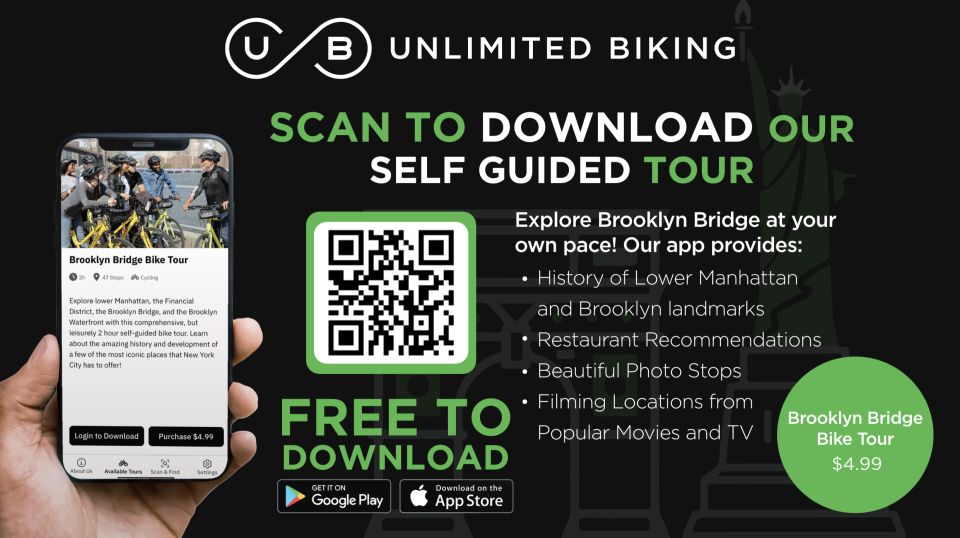
At $5 per person, this is one of those “small price, big impact” types of travel purchases—if you’ll actually use it more than once and if you like self-guided sightseeing.
Why it feels fair:
- You’re not paying for a guide standing there waiting for you to catch up.
- You’re paying for geo-location guidance, which is what makes the content useful in the real world.
- You’re getting multiple stop types—history/audio, movie tie-ins, photo stops, food picks, and restroom locations.
Also, the value improves because you get 365 days valid from first activation. So it’s not a one-day gimmick. You can activate it once you’re ready, then use it when your schedule allows.
One reality check: because it’s non-refundable, you want to feel confident you’ll use the app before activation time runs out.
Practical Tips That Make the Experience Go Smooth
A few smart moves can turn a fun idea into a smooth day.
Use location services and plan for data
The app requires geo-location services, and the information you have recommends a data plan. If you’ve ever had a mapping app act weird on a patchy signal, you already know why this matters. Bring a reliable data setup so the stops keep syncing.
Keep charging in mind
This isn’t a “read it later” app. You’ll rely on it live, and that can affect battery. If your phone battery is fragile, bring a small power bank.
Ride like a human, not a robot
Geo-location guidance is helpful, but you’re still in New York traffic and crowds. Use the app as your guide, not as your autopilot. If you see a stop and it feels safe to pause, do it. If not, move on and catch the next one.
Who This Brooklyn Bridge App Is Best For
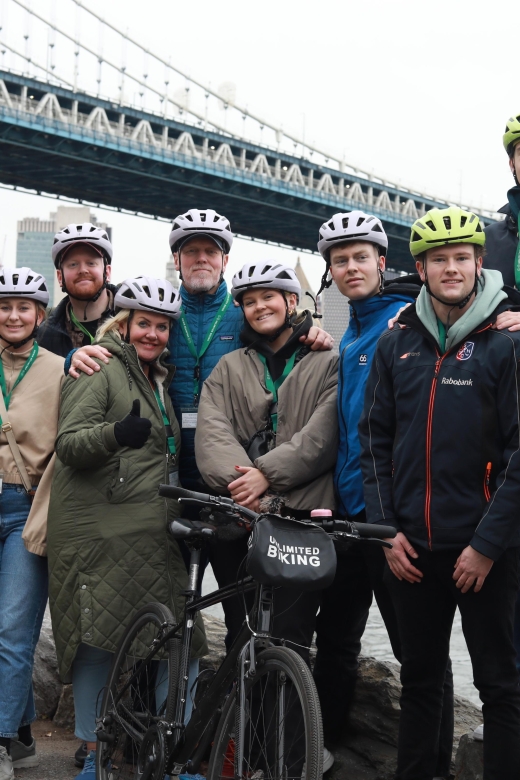
This works especially well if you:
- Want a self-guided option with guidance that feels “light” instead of overwhelming.
- Like to go at your own pace, stop for photos, and still stay on track.
- Appreciate practical planning help—food ideas and restroom locations included.
- Are traveling with friends who move at different speeds.
You might not love it as much if:
- You want a full live tour with a human guide and tailored explanations.
- You hate relying on your phone for navigation.
- You need included bike gear, because bicycle and safety items are not included (no helmet, bike bag, or bike lock).
The review that stood out also points to another good fit: if you liked similar self-guided apps for other big city landmarks, this one is likely to feel familiar—especially the way it supports first-timer confidence and pacing.
Quick FAQ About the Brooklyn Bridge App Tour
FAQ
Is this a guided tour with a person?
No. It’s a self-guided Brooklyn Bridge bike tour app with geo-location services.
How much does it cost?
It costs $5 per person.
Where do I start the tour?
If you rent a bike, head to Unlimited Biking at 79 Chambers Street. If you have your own bike or prefer walking, you can begin at the Woolworth Building.
What does the app include?
The self-guided tour in the Unlimited Biking Tour app with geo-location services, featuring audio and written stops.
Do I need data or location services?
Yes. The app requires geo-location services, and a data plan is recommended.
Can multiple people use the same purchase?
Yes. Purchasing provides a code that can be used by all members of your group. If you have more than one explorer, you can purchase for ONE customer and everyone can use that code on their phones.
Is it refundable?
No. It’s non-refundable, and it can be activated anytime before your booked date.
Should You Book This Brooklyn Bridge App Tour?
Yes—if you want a low-pressure way to experience Brooklyn Bridge and the surrounding neighborhoods without committing to a set tour pace. For the price, the combination of audio + written stops plus practical help (food recommendations and restroom locations) is what makes this feel genuinely useful, not just “another map.”
I’d also book it if you enjoy photo moments and fun context—especially movie tie-ins—because the route is built to support those quick, satisfying stops.
Skip it if you’re looking for a human-led experience, or if you’d rather not rely on your phone’s geo-location and data connection.