REVIEW · NEW YORK CITY
Central Park: Self-guided Bike Tour App – Audio + Written
Book on GetYourGuide →Operated by Unlimited Biking · Bookable on GetYourGuide
Central Park works best when you can go slow. This self-guided app turns the park into a set of GPS pop-up stops with audio + written info as you move, so you can wander without guessing. I like that you can do it by bike or on foot, and I also like that the route is set up as a choose-your-own-adventure map with movie scenes, photo moments, and practical tips. One thing to consider: the experience depends on geo-location and a charged smartphone, so if your battery dies or signal is spotty, you’ll feel it.
Because the tour is self-paced, you’re not stuck in a group schedule. You can start at any point in the park, pause for photos, detour for a snack, and then hop back into the app when you’re ready. Still, this is an app-based product, and the mixed ratings include a few reports of access or reservation confusion—so keep your confirmation and activation details handy before you go.
In This Review
- Key things to know before you go
- How the Unlimited Biking app guides you around Central Park
- Starting anywhere: the route is flexible, not fixed
- What each stop includes: history, fun facts, photos, and more
- Movie and TV locations you can actually spot
- Food tips and the Magnolia Bakery moment
- Restrooms: the underrated feature that saves your day
- Bike or foot: how the self-guided format fits your pace
- Price and value: $5 per person, valid for a full year
- Where bike rentals fit: Unlimited Biking at 56 W 56th Street
- Your best game plan for a smooth self-guided day
- Mixed ratings: what to do if access or activation feels messy
- Should you book this Central Park app tour?
- FAQ
- How much is the Central Park self-guided bike tour app?
- How long is the app tour valid?
- Where can I start the tour in Central Park?
- Is a bicycle included?
- What do I need to bring?
- Do I need mobile data for the app?
- Can more than one person use the same code?
- Is the activity wheelchair accessible?
- Final call: book or pass?
Key things to know before you go
- GPS-triggered stops: info appears as you reach each point, with both written and audio content
- Color-coded route map: pick the route style you want instead of following one rigid path
- More than sightseeing: includes movie/TV locations, photo spots, and food recommendations
- Practical help built in: public restroom locations are included along the way
- Low price, long runway: costs $5 per person and stays valid for 365 days from activation
- Works on bike or foot: you choose your pace and mode
How the Unlimited Biking app guides you around Central Park

This is a self-guided Central Park experience powered by your phone’s location services. Once you download the Unlimited Biking Tour app and turn on location, the park becomes a list of stops you can reach at your own speed. Each stop is designed to be simple: you arrive, the app cues you with info, and you decide how long to stay.
The big win for me is that you’re not constantly reading your way across the park. Instead, you get the sense that the app is trying to do the work for you—one review even called out that you might not need to look at the phone much because it tells you as you go. That matters in Central Park, where people expect to stop for photos, then move fast when traffic allows.
You also get both audio and written content. That’s useful because you can match your mode to your moment. If you’re riding and want quick context, audio can be your go-to. If you’re stopped at a photo-worthy spot, the written notes help you slow down and read.
You can also read our reviews of more cycling tours in New York City



Starting anywhere: the route is flexible, not fixed
The tour doesn’t require a strict meeting at a park entrance. It’s a tour of Central Park, so you can begin at any point in the park. That sounds small, but it’s a real quality-of-life feature. Central Park is huge, and your hotel or subway exit may not line up with one perfect starting gate.
The app also uses a color-coded map, which lets you choose your own adventure. In other words, you’re not locked into a single loop where you have to see everything in one go. You can focus on the primary route (the core set of notable locations) or layer in additional stop categories like movie and TV sites, beauty/photo points, and food recommendations.
If you like planning, you can treat it like an outline. If you prefer spontaneity, you can treat it like gentle guidance. Either way, the app’s job is to keep you oriented and informed as you move.
What each stop includes: history, fun facts, photos, and more
Each stop along the primary tour route is built around a simple pattern:
- a notable location in Central Park
- a brief history or context
- fun facts
- and support in both written and audio formats
This is the core value: Central Park can feel like a film set because it’s been used in lots of productions, but it’s also a living space with layers of meaning. The stop-by-stop format helps you connect what you’re seeing with why it matters.
You’ll also get stops that lean harder into the fun stuff:
- Beauty and photo-appeal locations: designed for snapshots
- Movie and television locations: places tied to iconic scenes and major productions
- Food recommendations: where to grab something in or near the park
- Public restroom locations: so you’re not hunting while you’re in the middle of your day
A practical drawback to keep in mind: “more to see” also means “more stopping.” Some stops are meant for photos, and others are meant for quick context. If you have limited time, I’d plan a shorter route first, then add extras only if your day has room.
Movie and TV locations you can actually spot
Central Park has been a backdrop for a lot of TV and film, and this app leans into that with a dedicated set of movie locations. The idea is that you’re not just looking at a pretty park view—you’re also mapping the park to the scenes you’ve seen on screen.
That can make your walk or ride feel a bit like a scavenger hunt. You’ll hit stops where the app’s info helps you connect a specific location to the kind of scene it’s known for. Even if you’re not a hardcore film fan, the context can add shape to a landscape that otherwise might blur together.
One thing to watch: movie stops are often “pause-worthy,” but they’re not always “time-efficient.” If you’re visiting with kids, or you’re trying to cover a lot in one day, pick a couple of movie/TV stops to prioritize rather than treating every one like a must-photograph moment.
Food tips and the Magnolia Bakery moment
This is not just a sightseeing app. It includes top recommendations for food in and near the park. That’s the kind of detail that makes a self-guided tour feel useful instead of just educational.
One of the highlight examples that showed up in user feedback was a dessert stop at Magnolia Bakery, which became a standout moment. That’s exactly the type of tip I’d look for when I don’t want to research restaurants on the fly while I’m already walking.
How you use these food recommendations is up to you. You can:
- save them for later in the trip
- detour if timing works
- or treat them as ideas when you’re near a subway or a park exit
Just remember that food stops can stretch your day. If you’re on a tight schedule, you might want to treat the food recommendations as a shortlist, not a checklist.
You can also read our reviews of more guided tours in New York City






Restrooms: the underrated feature that saves your day
Central Park is a place where plans can fall apart fast if you run out of time—or need a restroom—right in the middle of your route. This app includes public restroom locations, which helps you avoid the stressful scramble.
That feature matters most when you’re doing a longer ride or trying to mix biking and walking. You don’t have to stop searching and you don’t have to guess. The app’s built-in approach keeps you moving with fewer interruptions.
Even if you’re comfortable finding restrooms on your own, I’d still use this just to reduce friction. It’s one of those “small” tools that can dramatically improve the flow of your day.
Bike or foot: how the self-guided format fits your pace
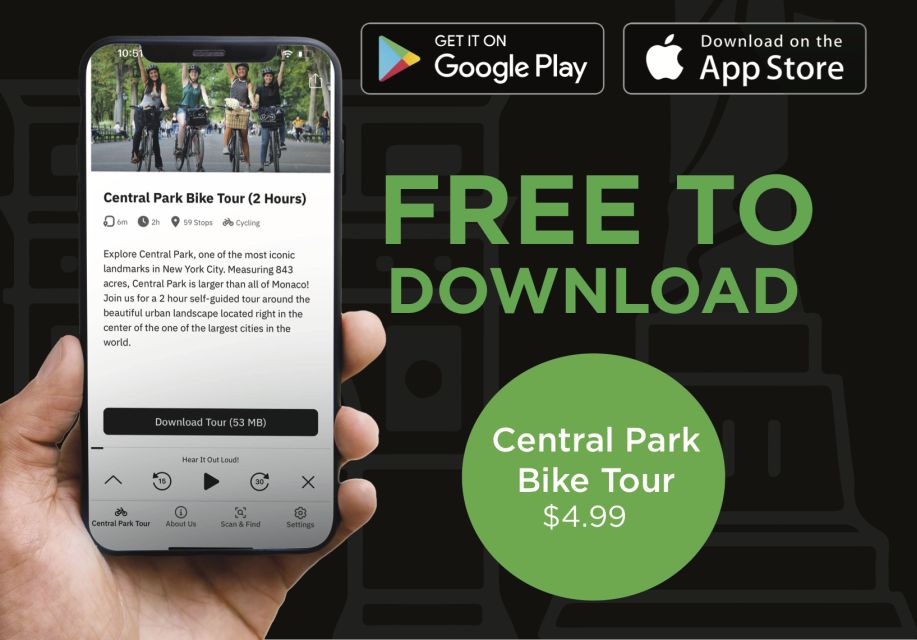
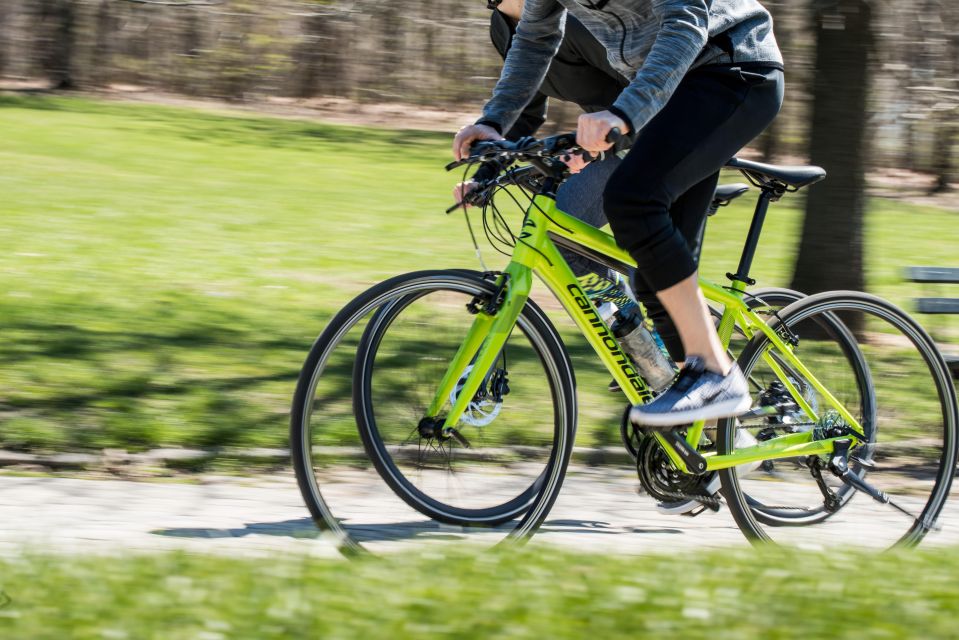
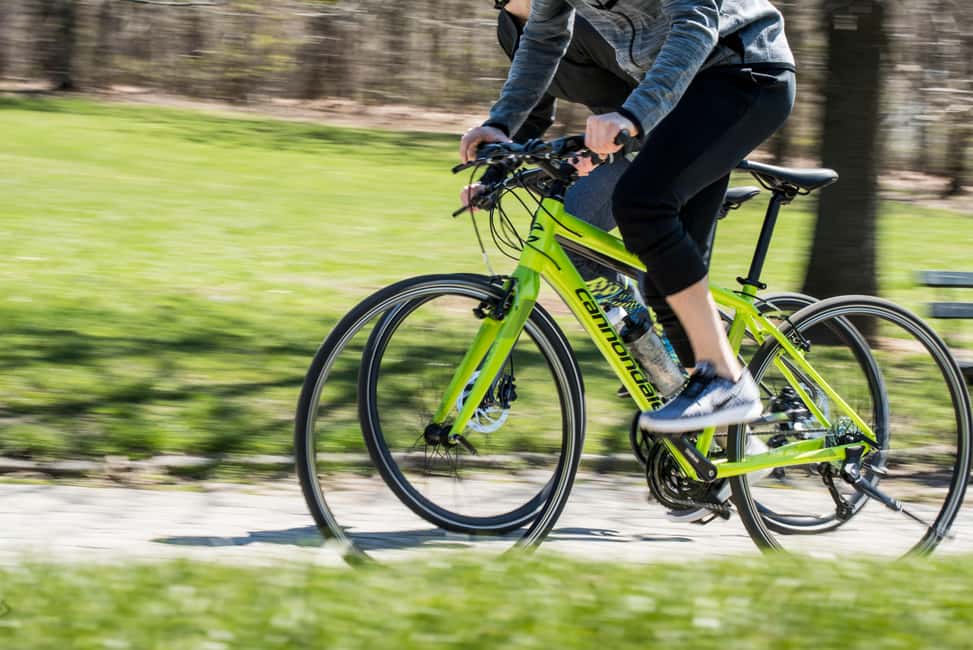
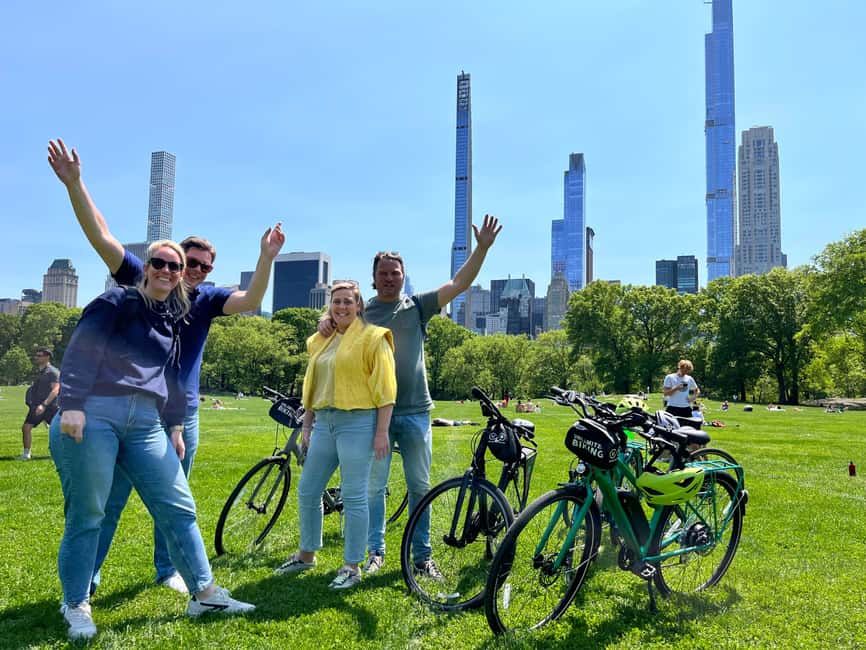
You can use this tour on a bike ride or by walking. That flexibility is a major reason this format can work for more than one travel style.
- If you’re biking, you’ll cover more ground, so the GPS stops can help you stay on track and catch context at the right times.
- If you’re walking, you’ll naturally have more time at each stop, so audio + written notes can feel more leisurely instead of rushed.
Either way, it’s worth planning for smartphone time. A charged device is a must, and the app requires geo-location services. The tour data recommends a data plan for best results, so I’d treat that as a practical requirement rather than a suggestion.
Price and value: $5 per person, valid for a full year
At $5 per person, this is priced like a budget-friendly add-on rather than a premium guided tour. The value comes from what you get for that price: GPS-triggered audio and written stops, plus extra categories like movie locations, food recommendations, photo-leaning spots, and public restrooms.
You also get serious flexibility with the 365-day validity. The product is valid for 365 days from first activation. That means if your timing is off, you’re not forced to use it on day one. You can make your Central Park visit part of a longer plan, then pull up the app when you’re finally ready.
One consideration: the experience is non-refundable. That’s not unusual for app-style products, but it does change your risk. If you’re the kind of traveler who hates tech requirements, this isn’t the tour type to gamble on.
Where bike rentals fit: Unlimited Biking at 56 W 56th Street
If you need a bike, you don’t have to guess where to go on arrival. The rental option points you to Unlimited Biking at 56 W 56th Street. You can buy Central Park bike rentals there, using the linked booking page after you book your app product.
If you already have access to a bike, you don’t need to start at that address. The tour itself can begin at any point in the park, because it’s location-based.
It’s also important to note what’s not included. The tour package doesn’t include a bicycle, helmet, bike bag, or bike lock. So you’ll want to plan for those needs separately, especially if you’re biking longer distances or stopping outside the park for any reason.
Your best game plan for a smooth self-guided day
Central Park is big, so the best way to enjoy a self-guided app is to set a realistic route length. Here’s how I’d approach it so the app helps, not overwhelms:
- Pick your top priorities first
Choose whether you want the primary route only, or you want to add movie/TV stops and photo stops. The color-coded map is there for a reason.
- Plan charging time like it’s part of the itinerary
Bring a charged smartphone and consider a power bank if you tend to use maps or take photos heavily. The app needs location services, and your device battery matters.
- Use food and restroom stops as flow tools
Don’t force every recommendation. Instead, use the restroom locations to prevent stress, then let the food ideas guide your breaks.
- Expect pauses at photo stops
Some stops are designed for snapshots. Build in time for that so you don’t feel rushed at the moments you’ll actually want to remember.
Also, keep an eye on access. The booking info indicates that purchasing provides a code that can be used by all members of your group, and if you have more than one explorer you can purchase for one customer and share that code on phones. That can save money, but it also means everyone should have the code details ready before heading into the park.
Mixed ratings: what to do if access or activation feels messy
This isn’t a perfect product experience across the board. The overall rating is 2.8 based on a small set of reviews, and some comments point to problems like difficulty finding reservations or having a confusing experience with access.
Here’s how to protect yourself without assuming the worst:
- Save your booking confirmation details.
- Make sure the code you received works on your phone before you rely on it.
- Activate the app with your phone’s location services turned on before you set off for the park.
If you’re tech-comfortable, this is likely to feel smooth. If you’re the type who hates troubleshooting on vacation, I’d be cautious and have a backup plan for exploring the park without the app if something fails.
Should you book this Central Park app tour?
Book it if you want a low-cost, flexible way to learn as you roam Central Park, and you’re happy letting your phone guide you with GPS-triggered audio and written stops. It’s especially a good fit if you like mixing sightseeing with practical breaks like restrooms and if you enjoy movie/TV context while you travel.
Skip it if you dislike app-dependent experiences, you’re visiting with a dead-phone risk (low battery habits), or you’re not comfortable with geo-location requirements. With a non-refundable product and tech-heavy setup, you’ll get the best value from this only if you’re ready to use it as intended.
If you’re a planner, a wanderer, a cyclist, or just someone who wants Central Park to feel more meaningful than a long stroll, this $5 app can do a lot of work for very little money.
FAQ
How much is the Central Park self-guided bike tour app?
It costs $5 per person.
How long is the app tour valid?
It is valid for 365 days from the first activation.
Where can I start the tour in Central Park?
You can begin at any point in the park. The bike rental meeting point (if needed) is separate.
Is a bicycle included?
No. The tour is self-guided for bike or foot, but a bicycle is not included. Bike rentals can be purchased separately.
What do I need to bring?
Bring a charged smartphone.
Do I need mobile data for the app?
The app requires geo-location services, and a data plan is recommended for use.
Can more than one person use the same code?
Yes. Purchasing provides a code that can be used by all members of your group. If you have more than one explorer, you can purchase for ONE customer and all will use that code on their phones.
Is the activity wheelchair accessible?
Yes, it is listed as wheelchair accessible.
Final call: book or pass?
If you want a simple, budget-friendly way to get GPS-triggered audio and written stops—plus movie/TV locations, food suggestions, and restroom locations—this is a smart way to structure a flexible Central Park day. If you’re worried about phone battery, geo-location, or access-code confusion, have a backup plan ready.